
Prerequisites
Install the Synth AI SDK in your Python environment:Launch the TUI
In the same environment wheresynth-ai is installed, run:
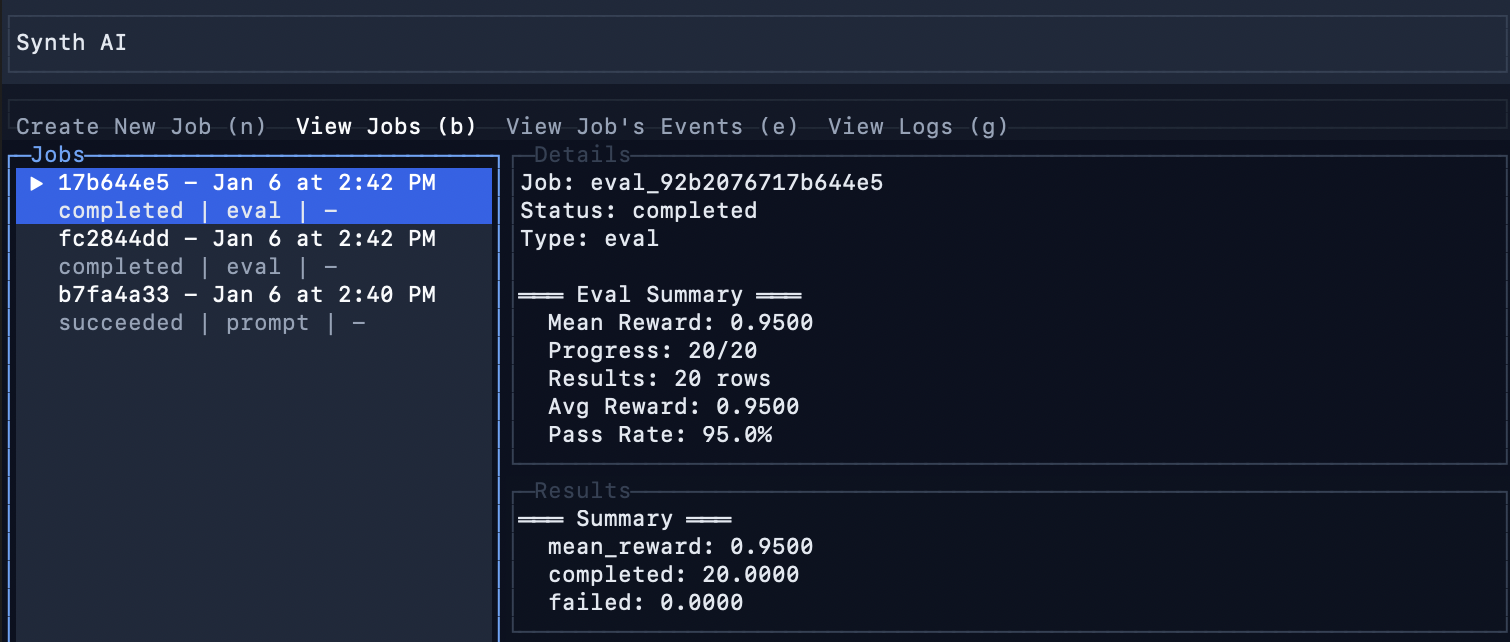
Create a New Job
Pressn to create a new job. You’ll be prompted to select or create a Container file.

Container File
A Container is a FastAPI app that defines your evaluation task. It includes:- A dataset to evaluate against
- A rollout handler that calls your LLM and scores responses
- Task metadata for the Synth AI backend
 You can optionally open the file in your editor to review or customize it:

Select Job Type
After selecting your Container file, choose the job type. Select eval to run an eval job: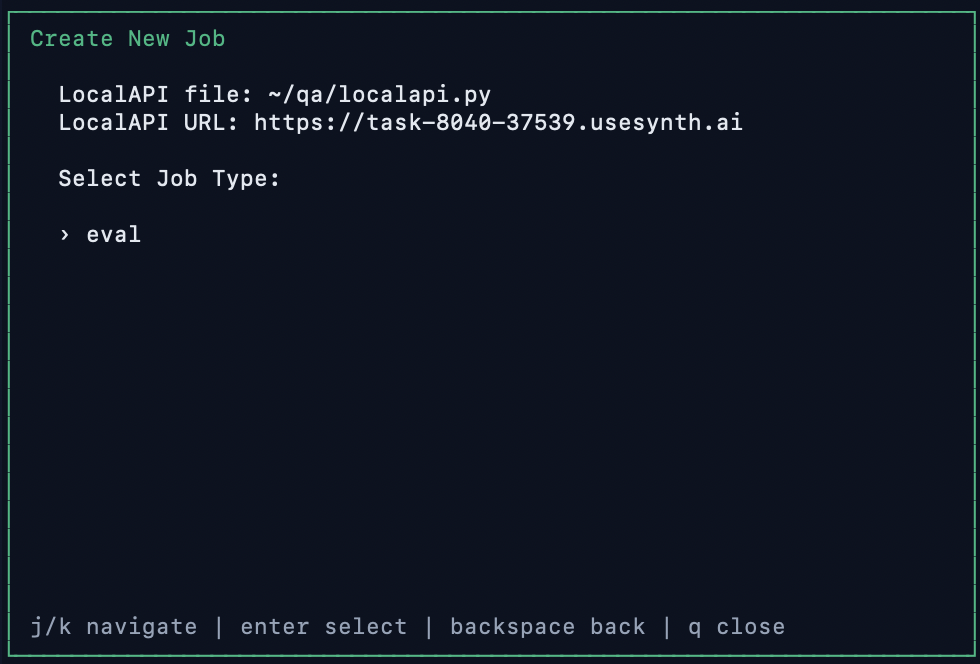
Job Execution
When you start the job, the TUI:- Loads and validates your Container module
- Starts a local FastAPI server
- Creates a Cloudflare Tunnel so Synth AI can reach your machine
- Submits the eval job to Synth AI
- Runs rollouts against your dataset and aggregates scores
View Results
The TUI displays the job status and results as the eval runs: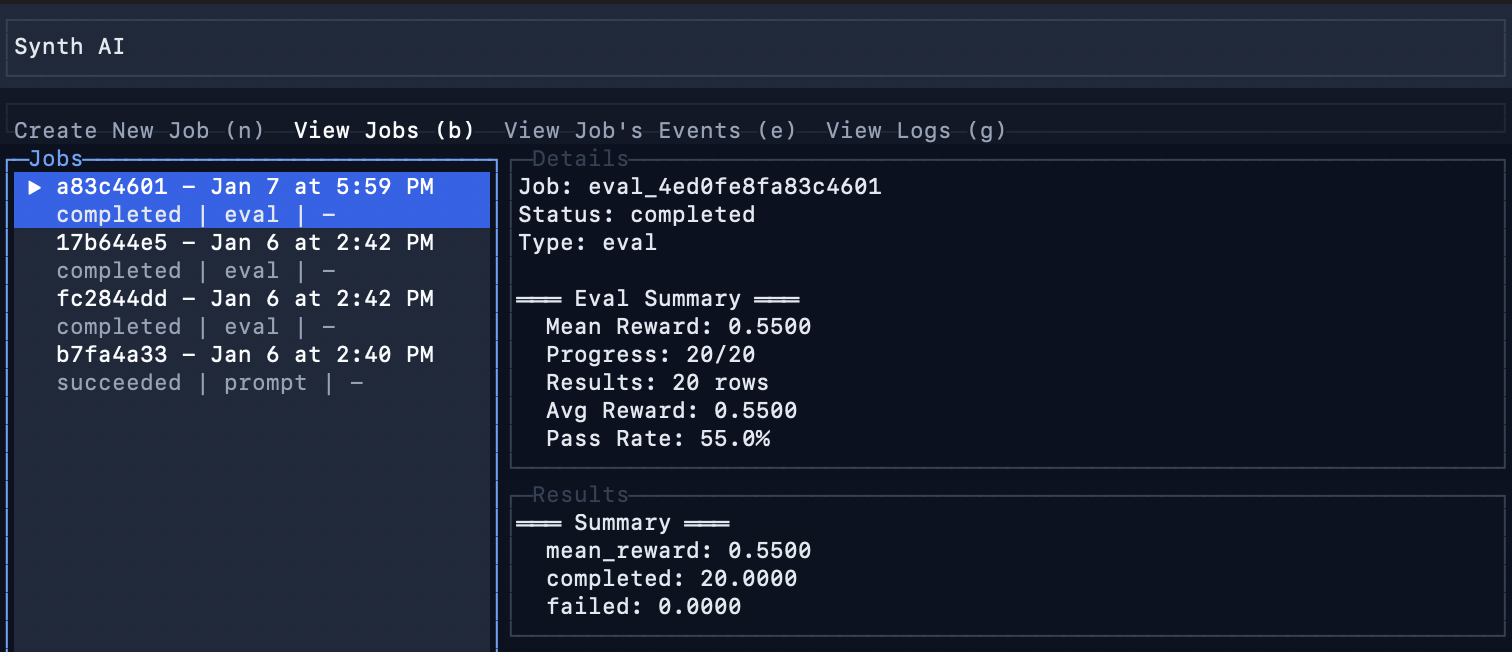
- Progress: Completed rollouts out of total
- Mean Reward: Average score across all rollouts
- Avg Reward: Running average
- Pass Rate: Percentage of rollouts that passed